Help videos
Short videos that show a screen step by step, each with captions and its transcript.
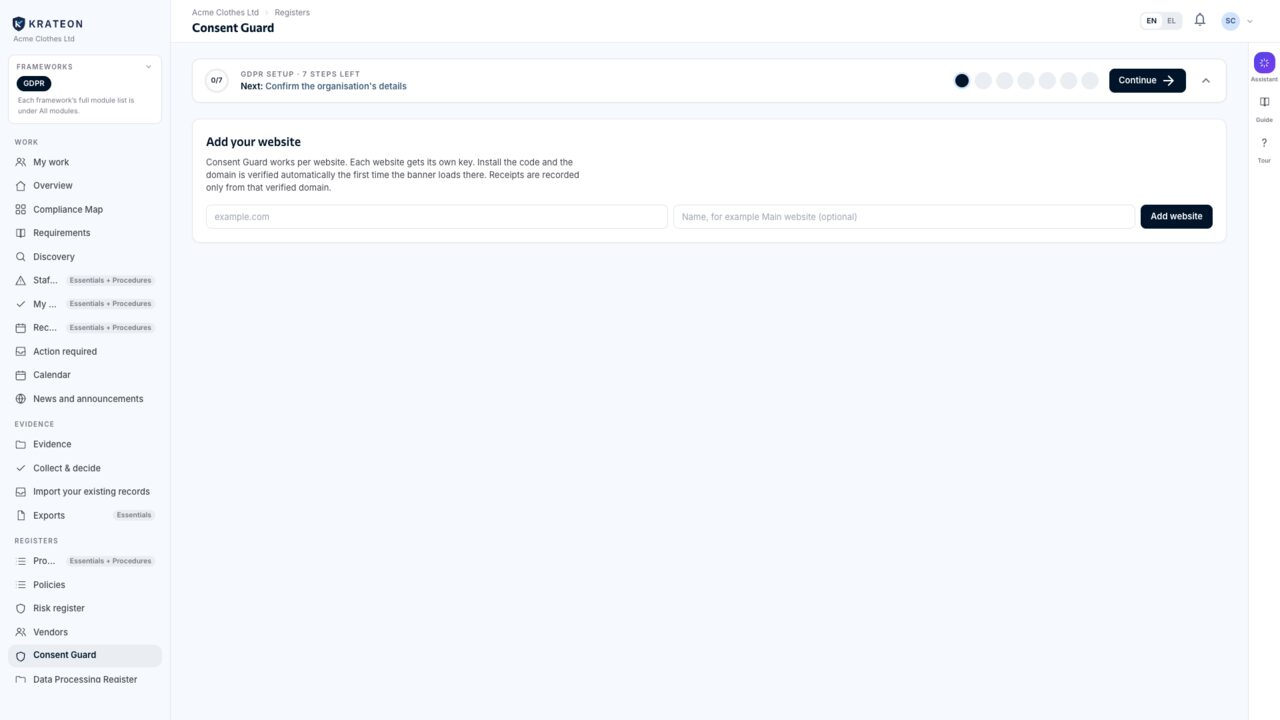
Add Consent Guard to your website
Add your website, publish your cookie banner, install it with the WordPress plugin or the script, and see each visitor's choice kept as a receipt.
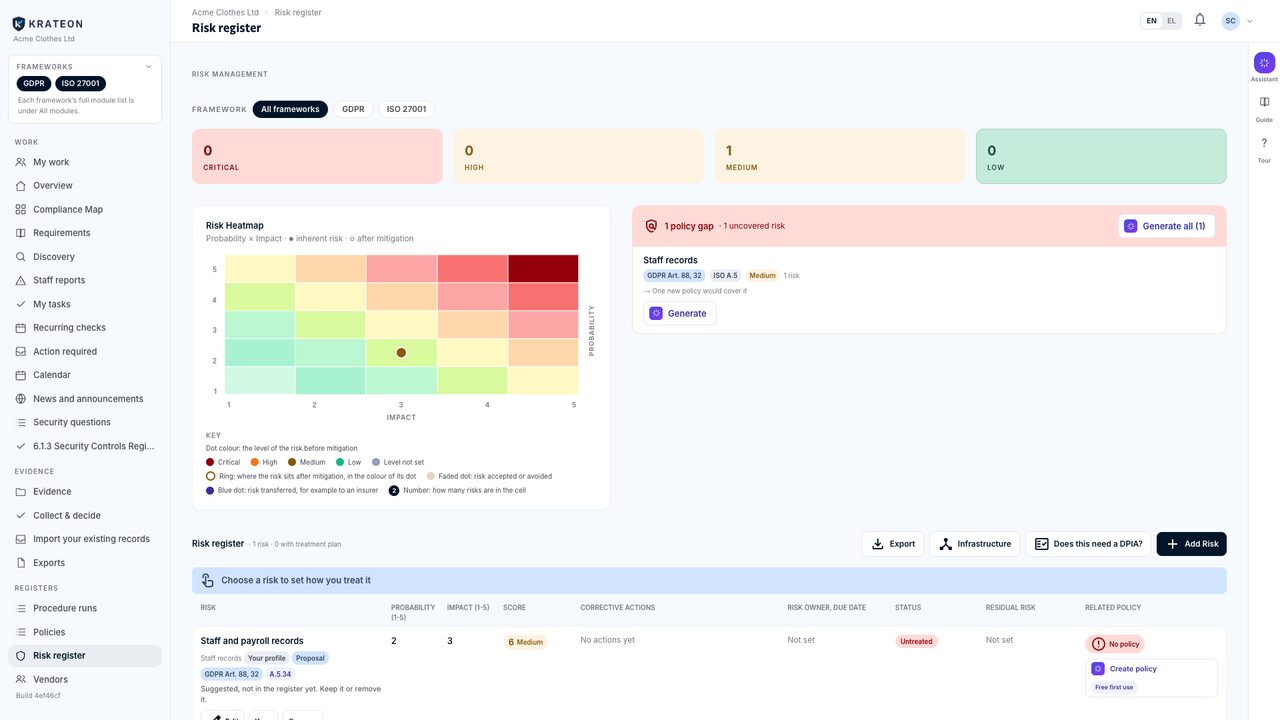
Your first risks
Keep the first risks Krateon suggests for your organisation, add actions, an owner and the residual risk, and add risks of your own.
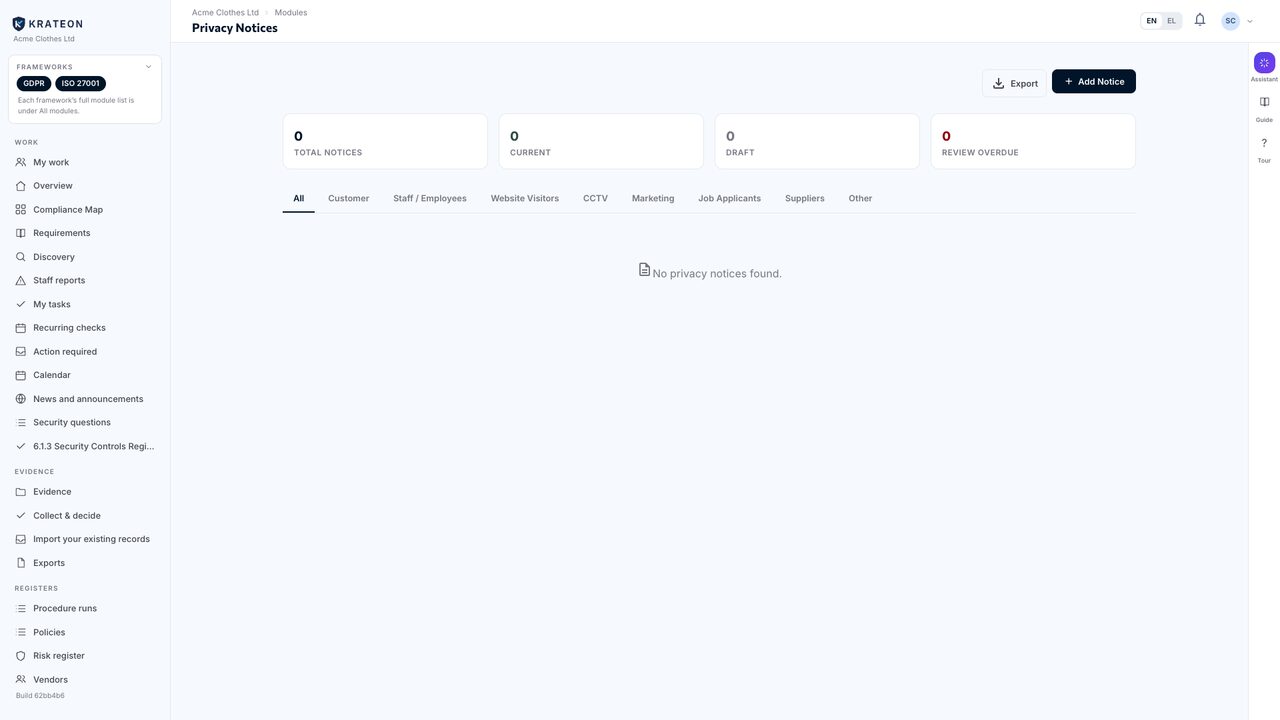
Your privacy notice
Draft your customer privacy notice from your profile, check every sentence your records do not show, and publish it.
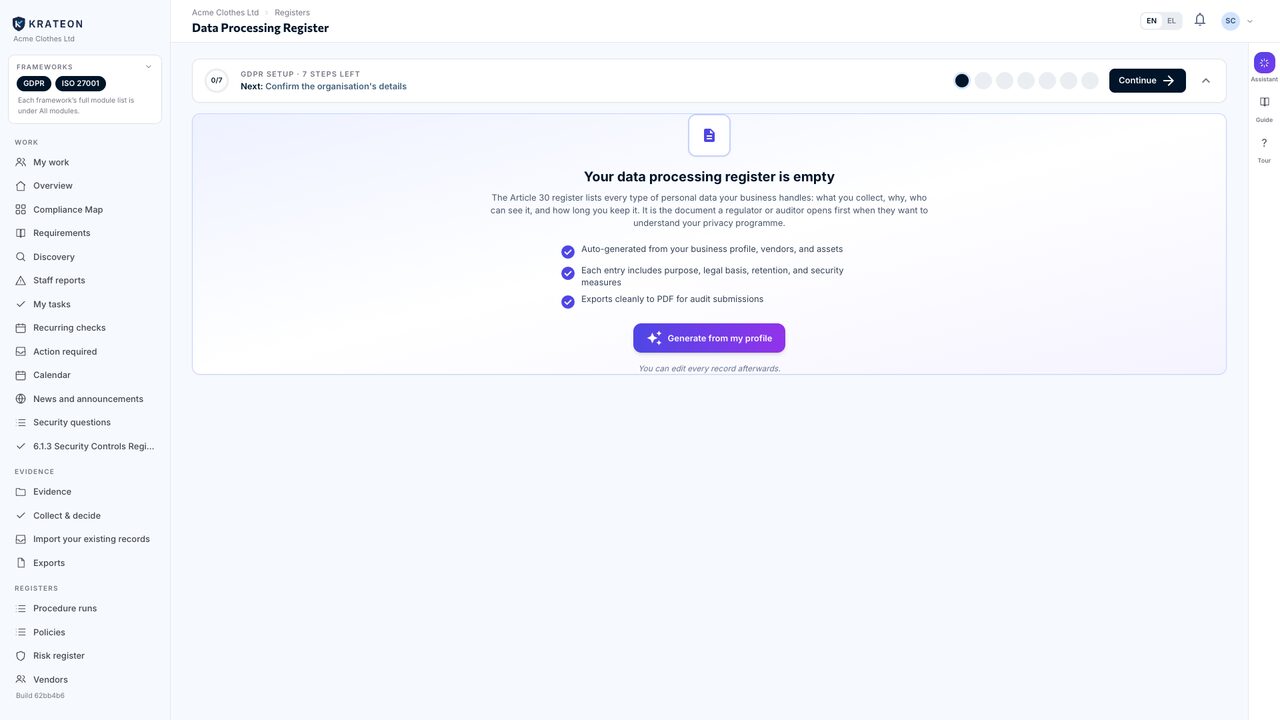
Your record of processing
Draft your record of processing from your profile, fill in what each record is missing, and approve the records one by one.
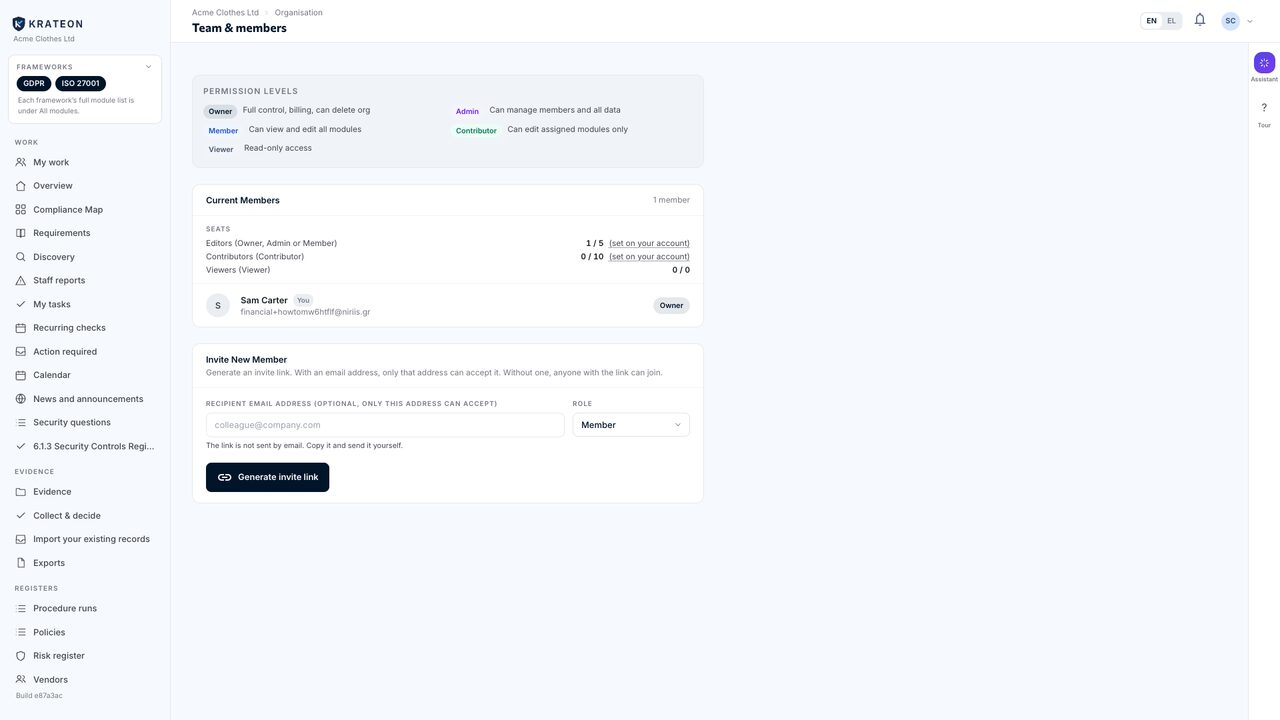
Invite a colleague
Create an invite link for a colleague with the right role, send it yourself, and take it back if you change your mind.
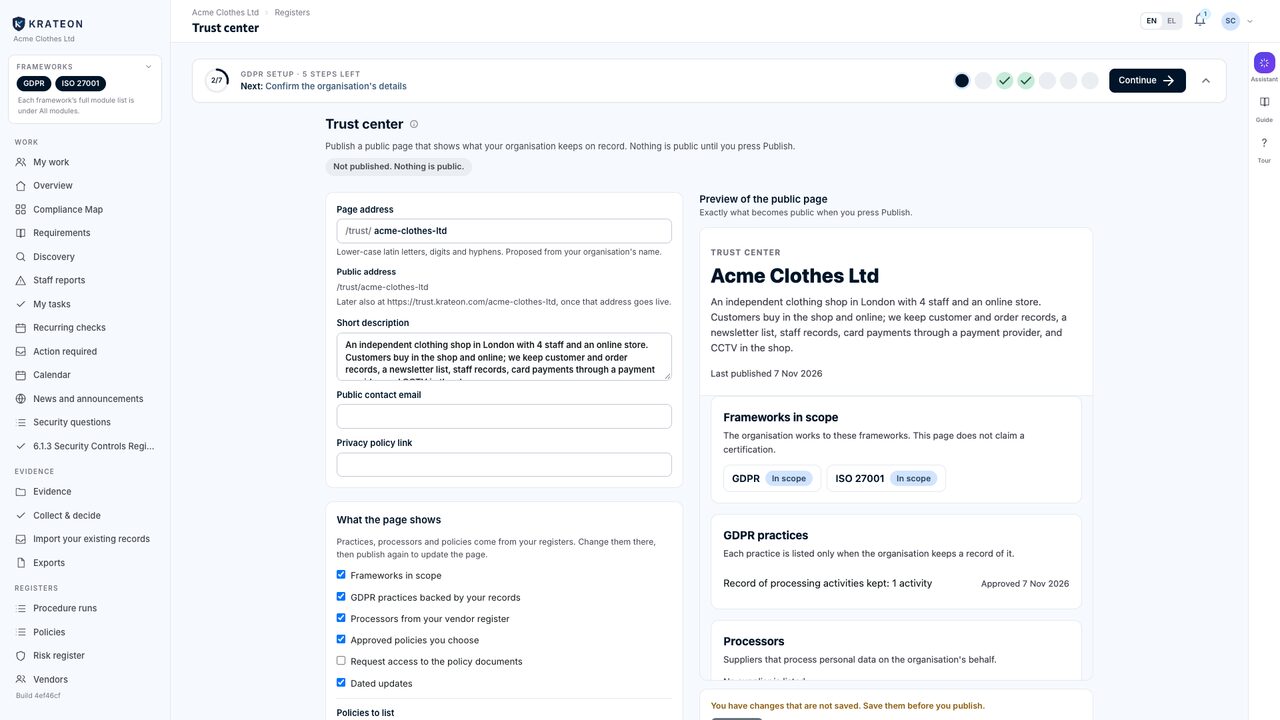
Publish your Trust Center
Choose what your Trust Center shows, save it, and publish a dated public page that shows customers how you look after their data.
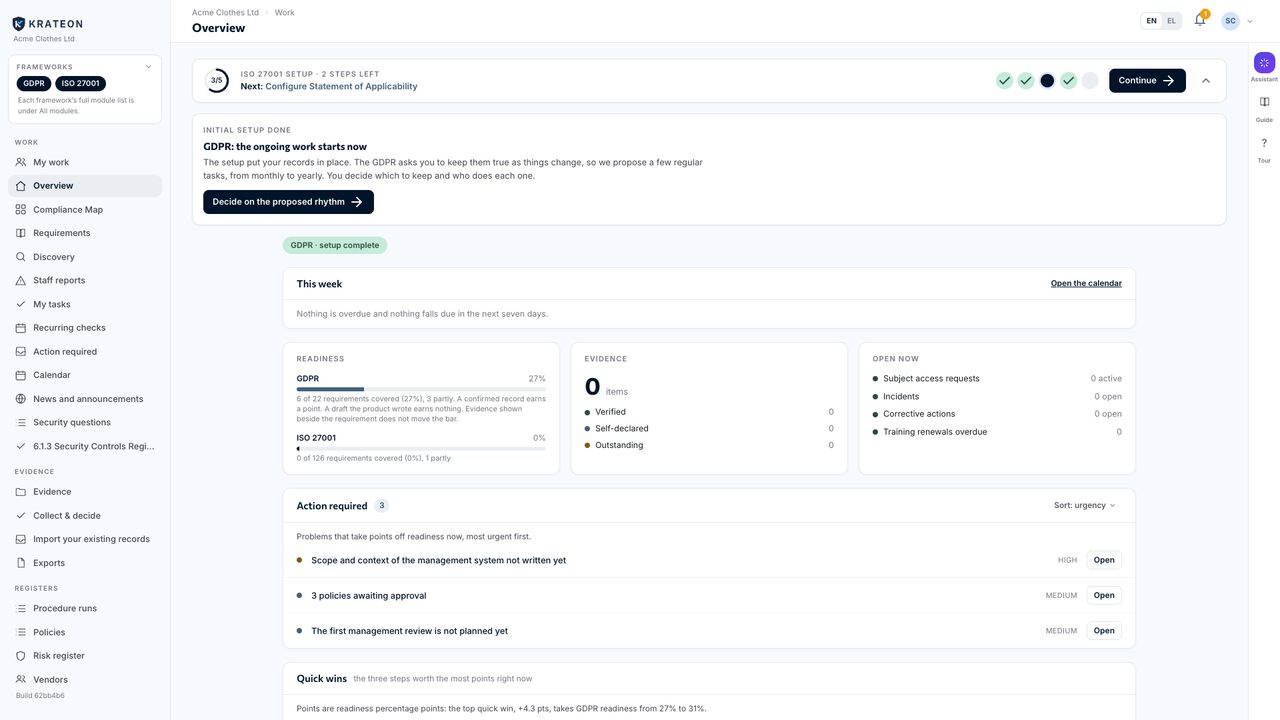
Your regular tasks
Decide on the regular tasks Krateon proposes once your setup is done, adjust who does them and how often, and see them on the calendar and in My tasks.
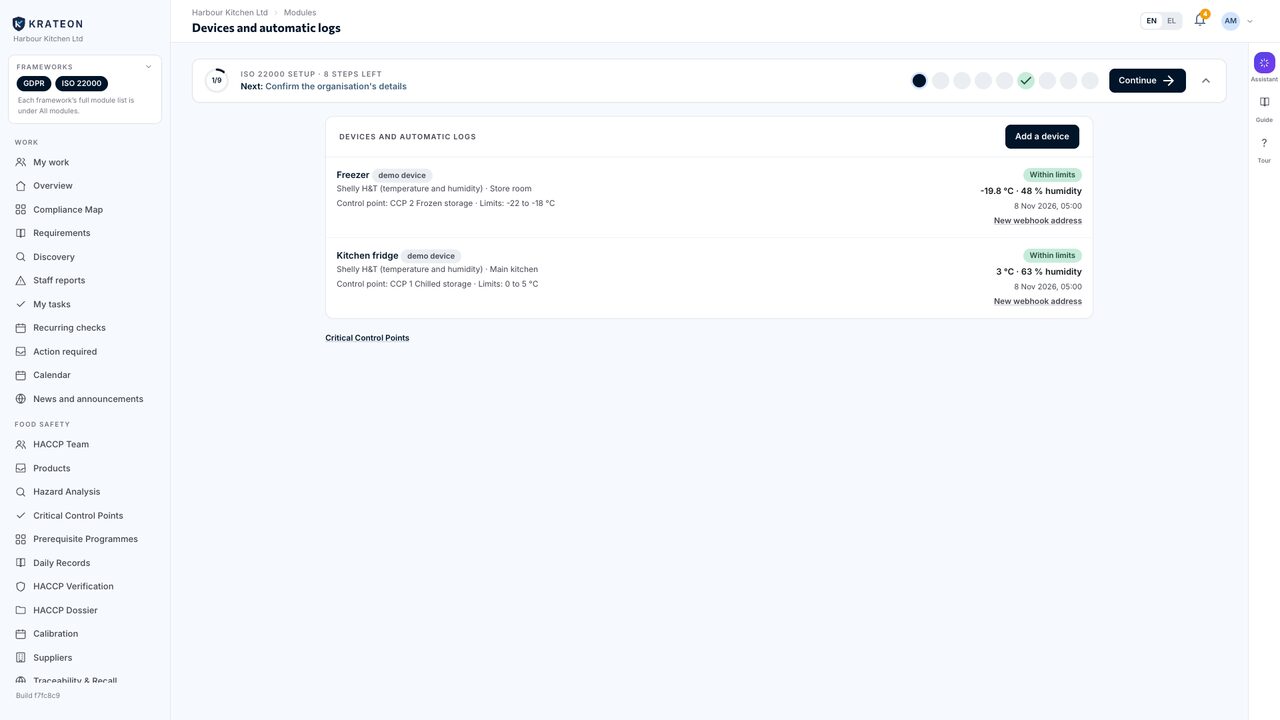
Kitchen food safety with sensors
See how fridge and freezer sensors keep the temperature log, and how a reading over the limit opens a corrective action for a person to complete and verify.
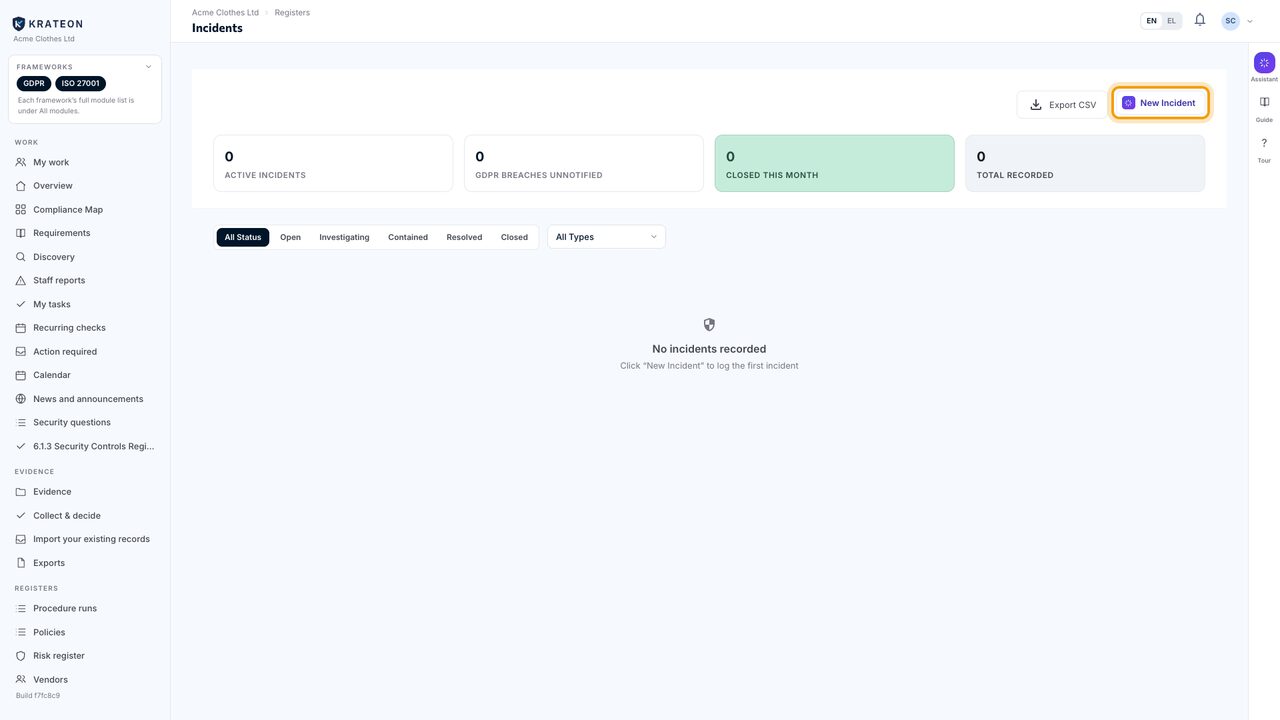
A data breach: the first 72 hours
Log a personal data breach, follow the 72 hour clock and the breach procedure step by step, and find the notification form prefilled for you to check and send.
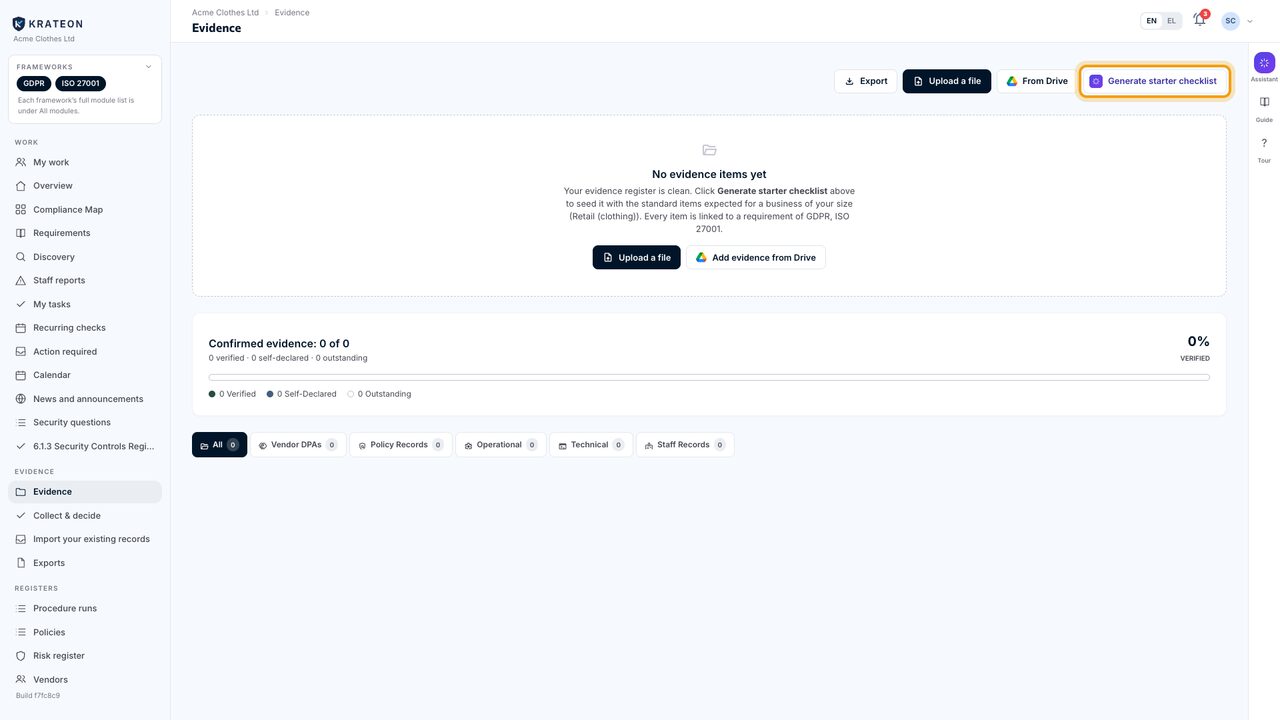
When an auditor asks for evidence
Start an evidence checklist, upload a file, confirm what it proves, and export the evidence list when an auditor asks.
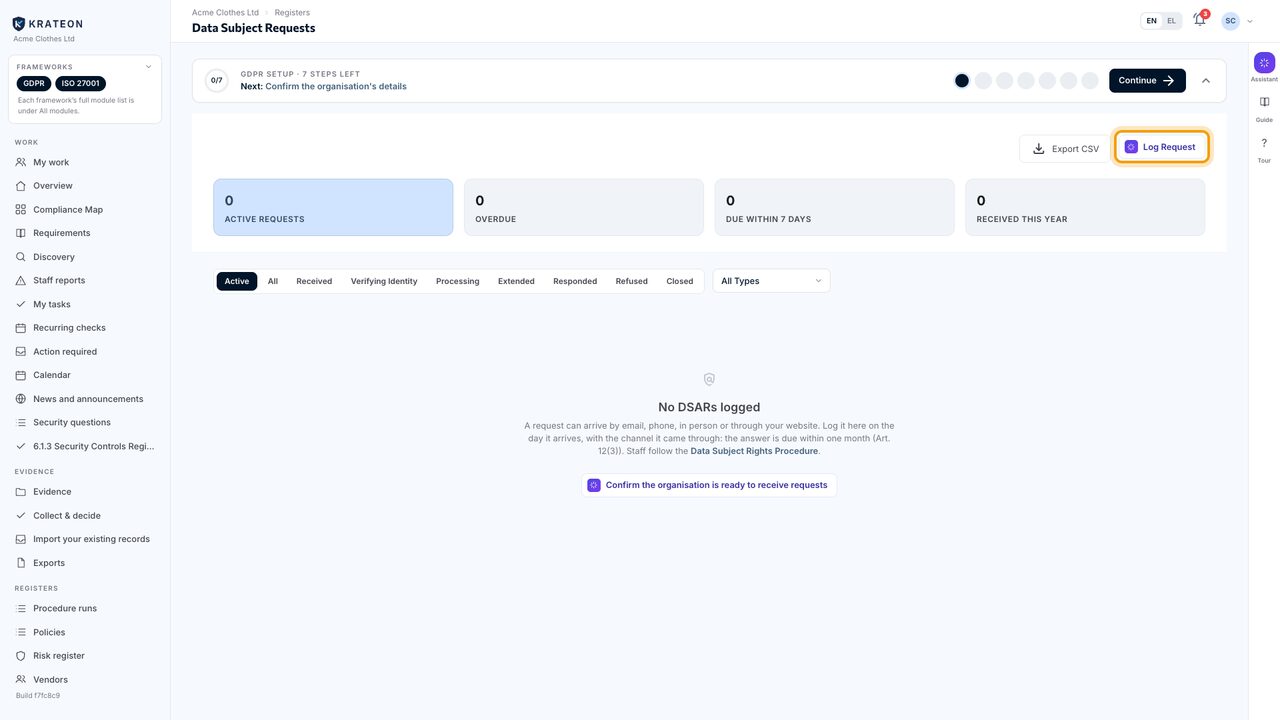
A data subject request, start to finish
Log a request for a copy of personal data, check the person's identity, draft the reply from your records, and close the request inside the deadline.
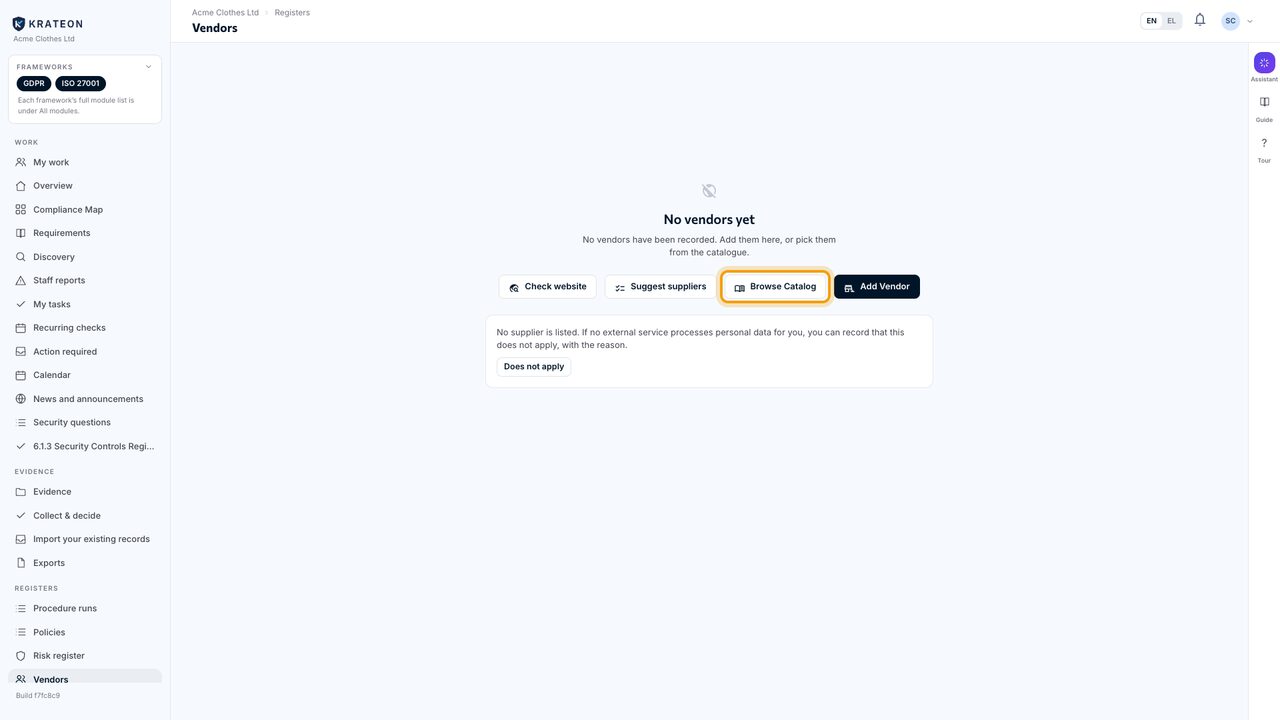
Your suppliers and their agreements
Add a supplier from the catalogue, record whether it handles personal data for you, accept its data processing agreement and transfer safeguard, and close any gap.
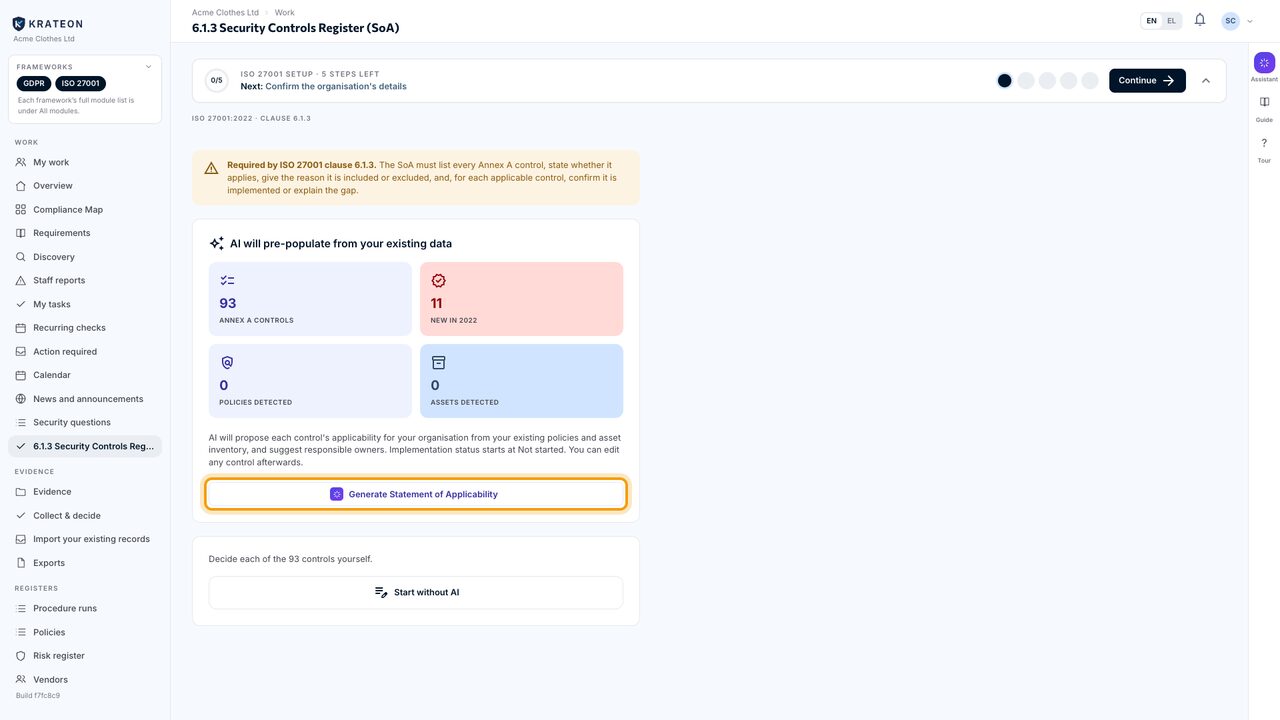
Your Statement of Applicability
Generate a proposal for every Annex A control, review the least certain ones first, give the reason a control does not apply, and export the statement.
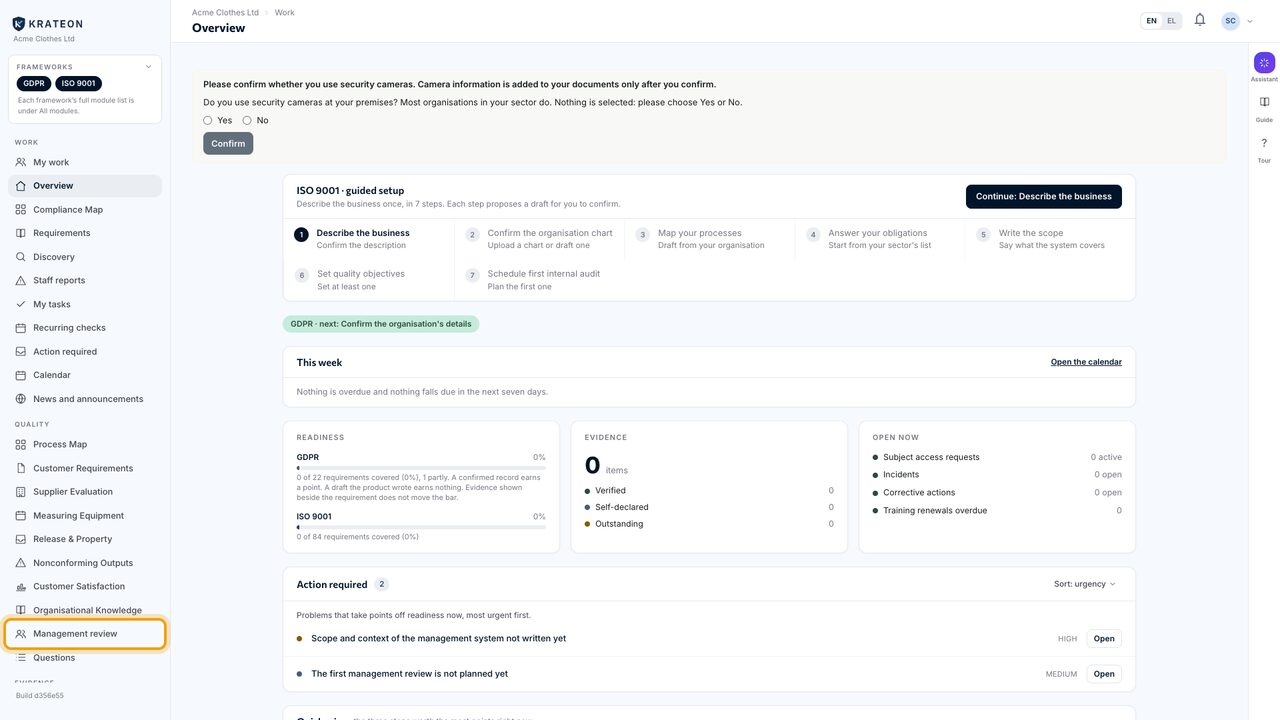
Your ISO 9001 management review
Schedule your ISO 9001 management review, draft its inputs and decisions from your records, check them, and complete the review.
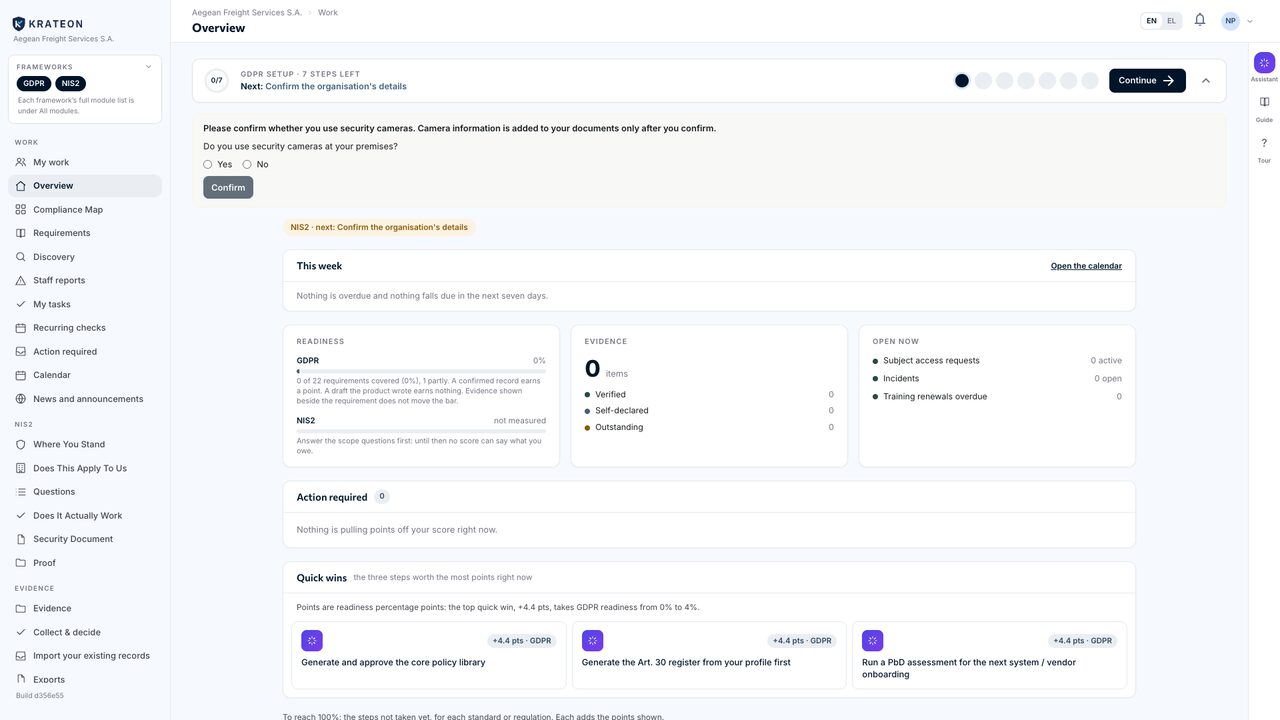
Does NIS2 apply to me?
Answer the scope questions on your size, where you operate and what your business does, read the result, and record whether NIS2 reaches you.
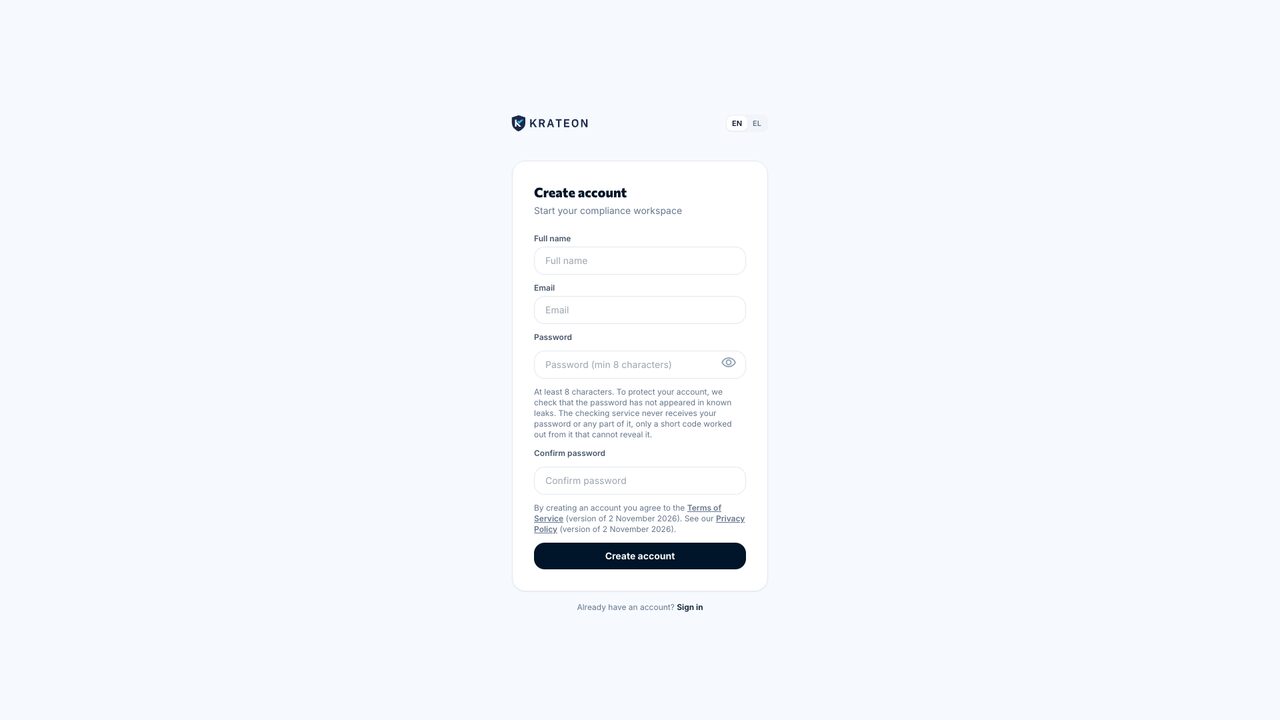
Getting started
Create your account, choose your frameworks, describe your business, check the profile Krateon builds, and take the first setup step from your overview.
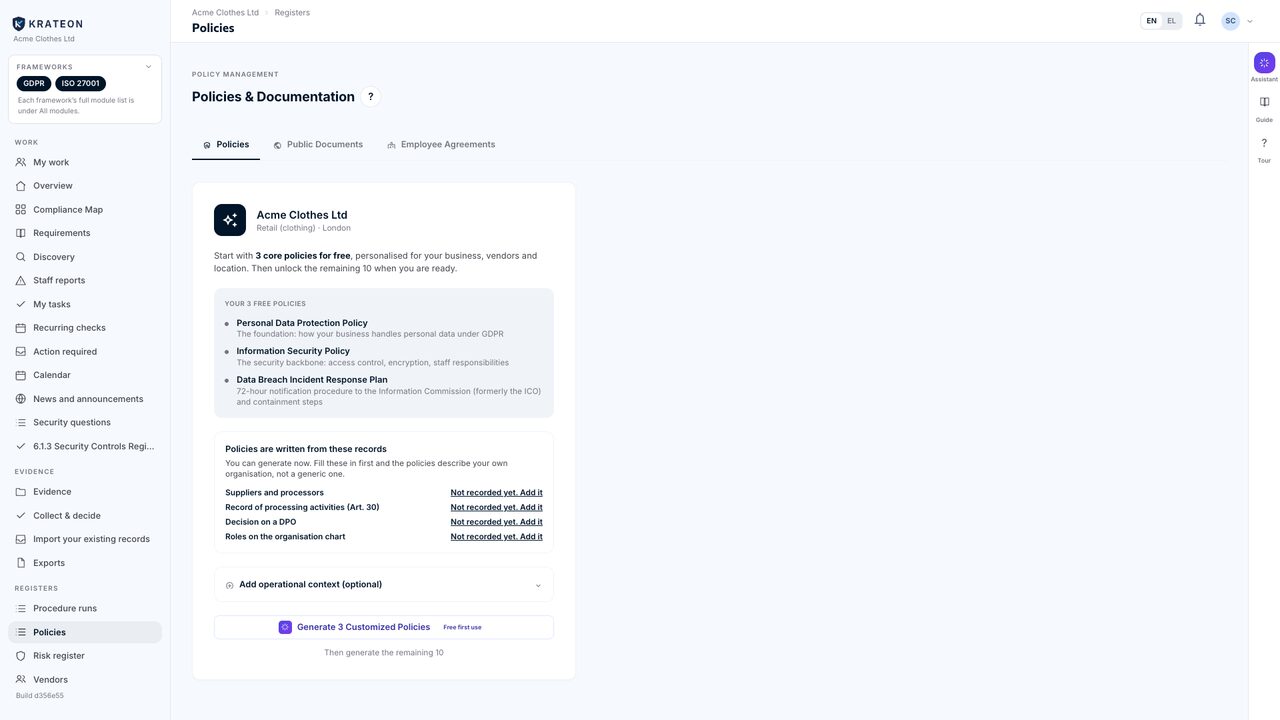
Your policies
Generate your core policies from your business profile, read the coverage check as a proposal, read a policy through, and approve it with your name and the date.
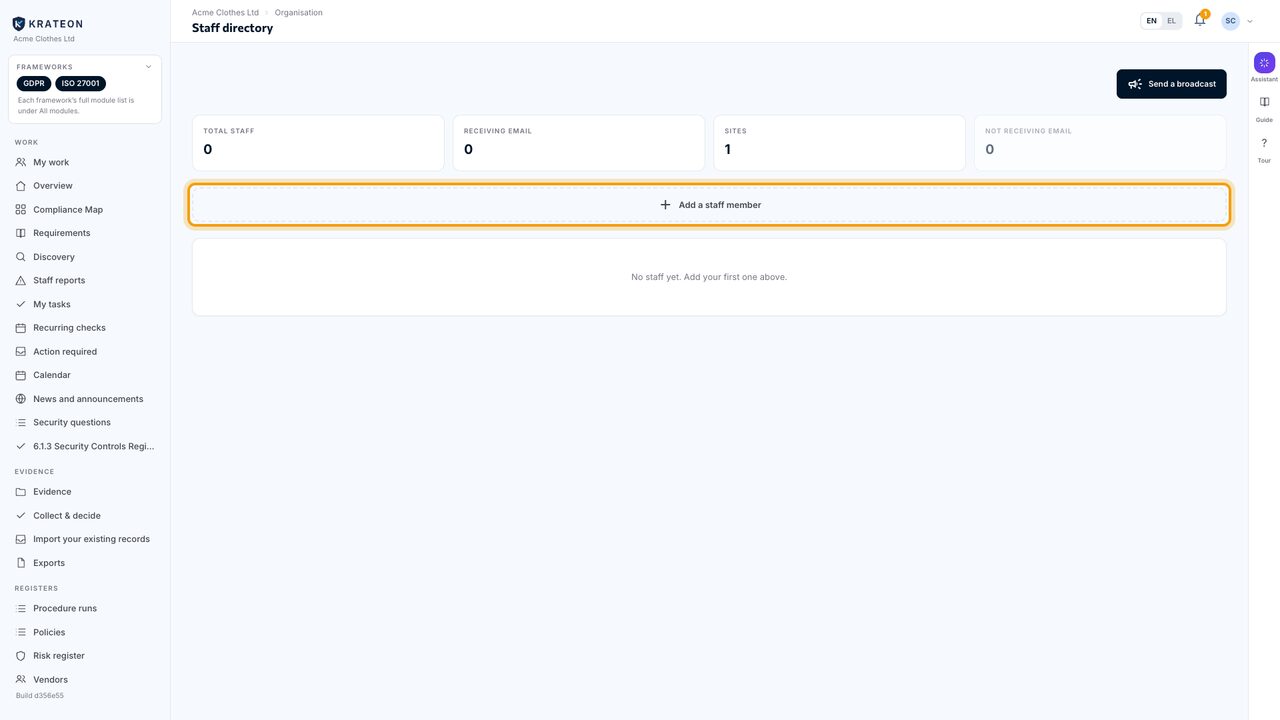
Give work to your team
Add a staff member who needs no account, issue their phone link, set up a recurring check for them, and see the record of what they answered, who did it and when.
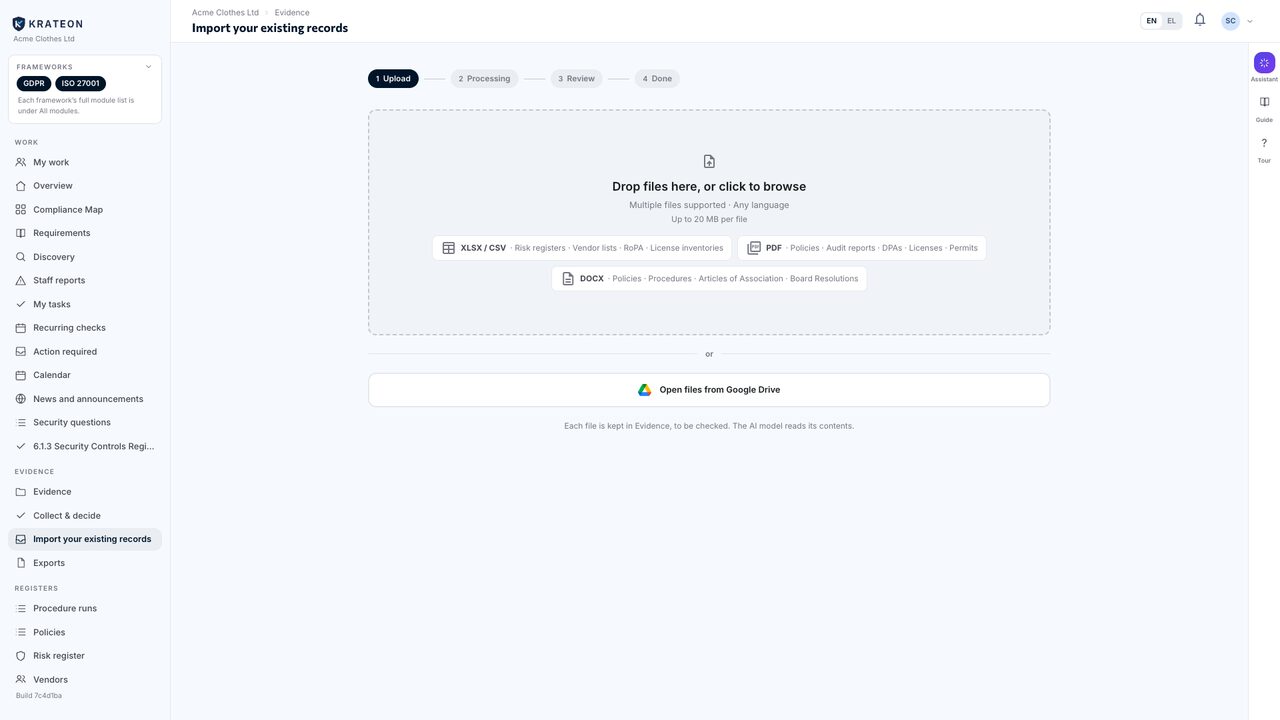
Import your existing records
Import a supplier list from a spreadsheet, untick what you do not want, and confirm each supplier's agreement yourself: nothing counts until you accept it.
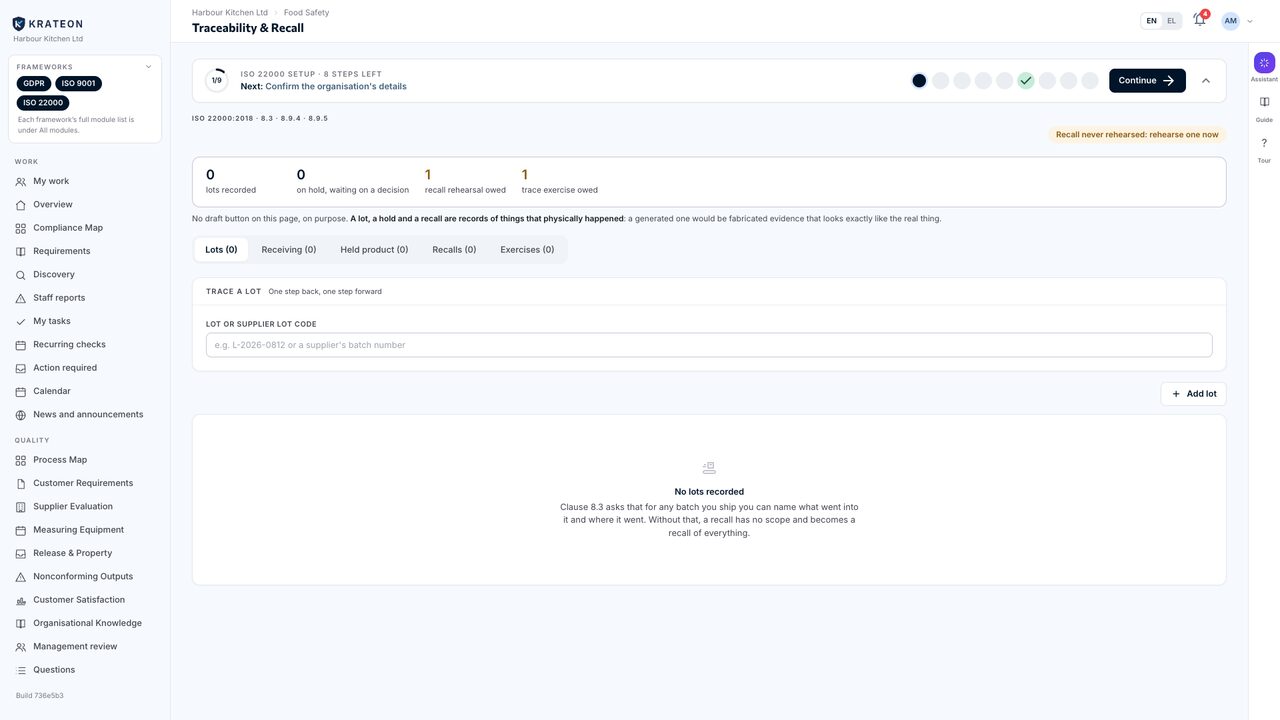
Traceability and a product recall
Record where each batch came from and where it went, find every batch that used a recalled lot, and record the recall until it is closed.
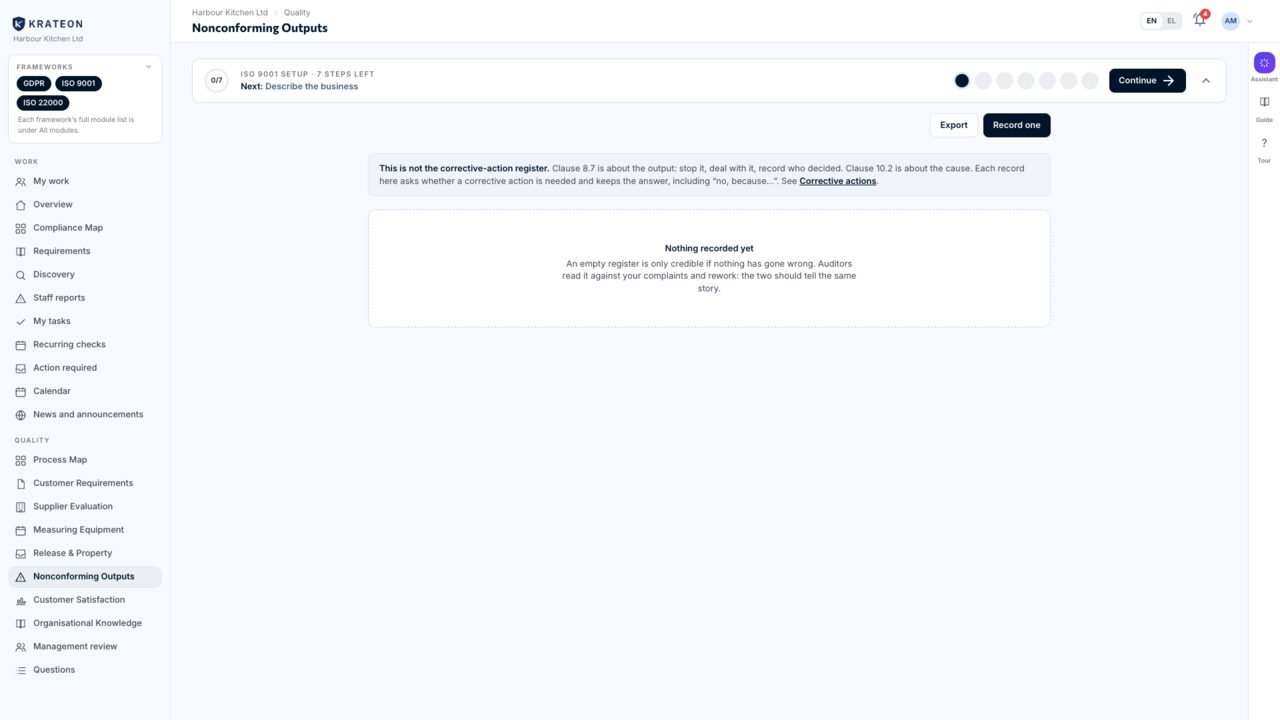
A nonconformity and its corrective action
Record an output that did not conform and what was done with it, raise a corrective action for the cause, verify the correction, and close the record.
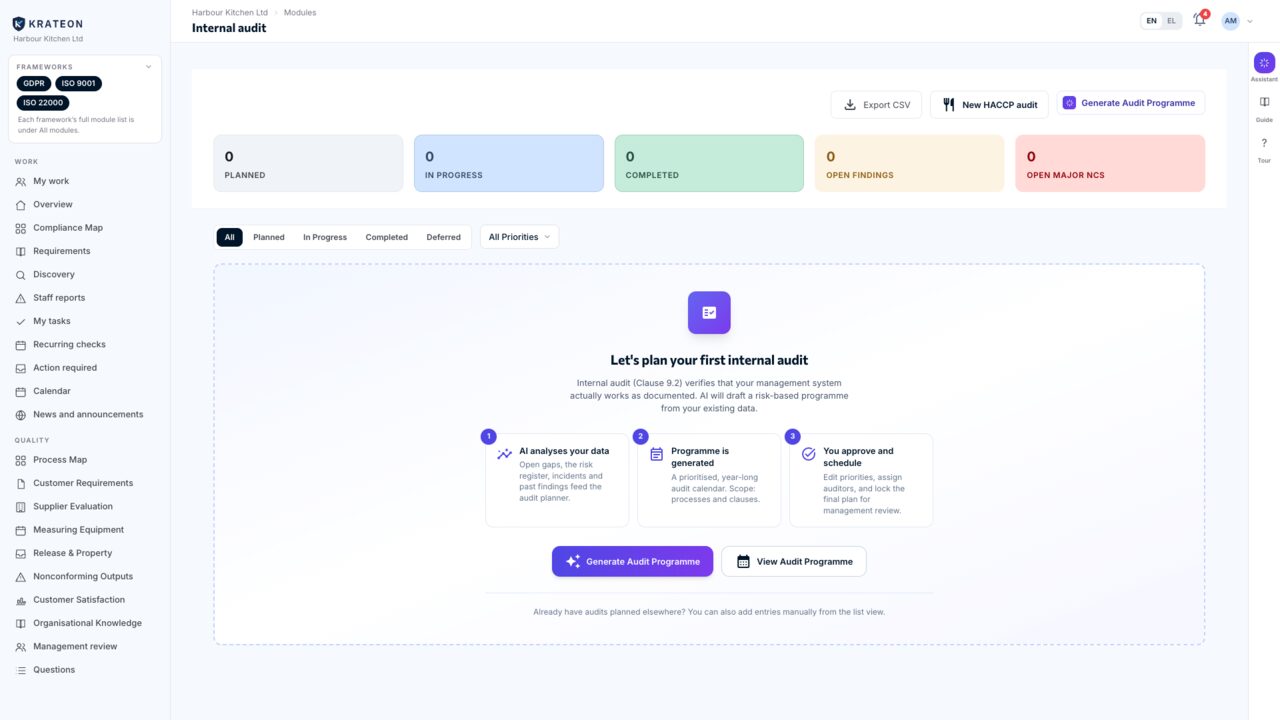
Plan and run an internal audit
Let Krateon propose an audit programme, keep the audits you tick, run one with its checklist, record a finding, and complete it with a conclusion.
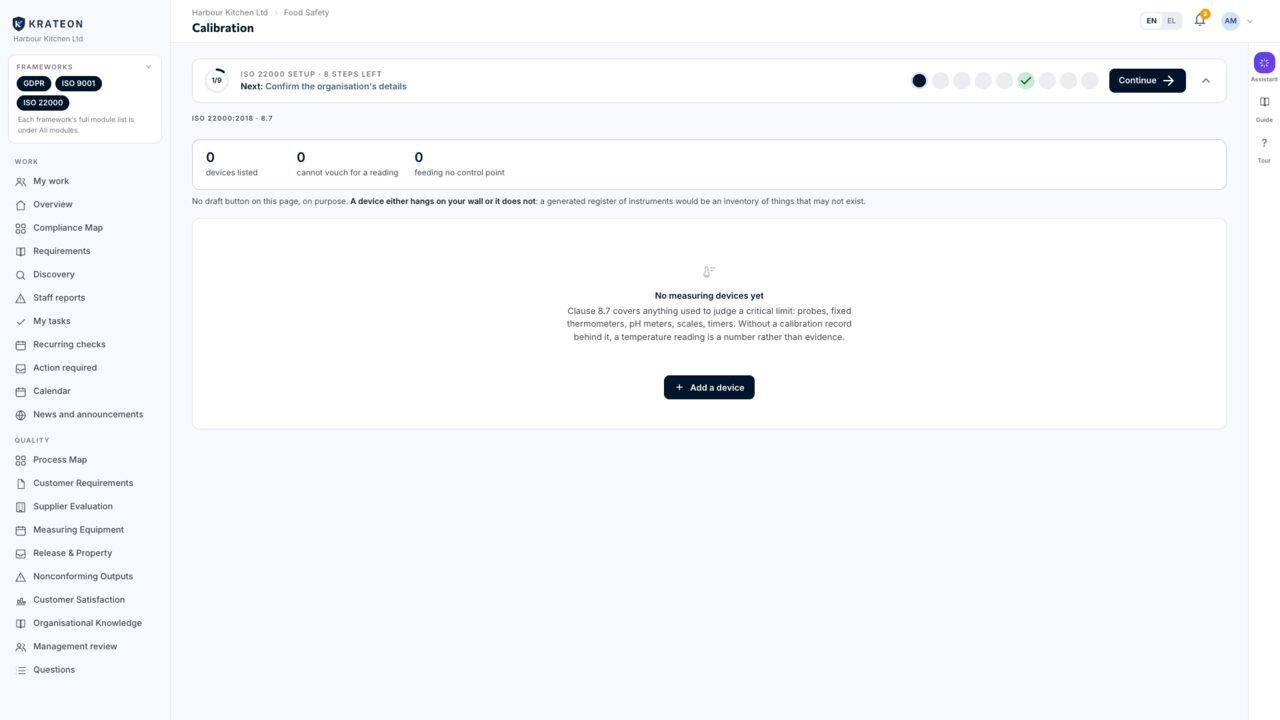
Calibration of instruments
Add a measuring instrument, link it to its control point, record each calibration, and see what happens when a reading is out of tolerance.
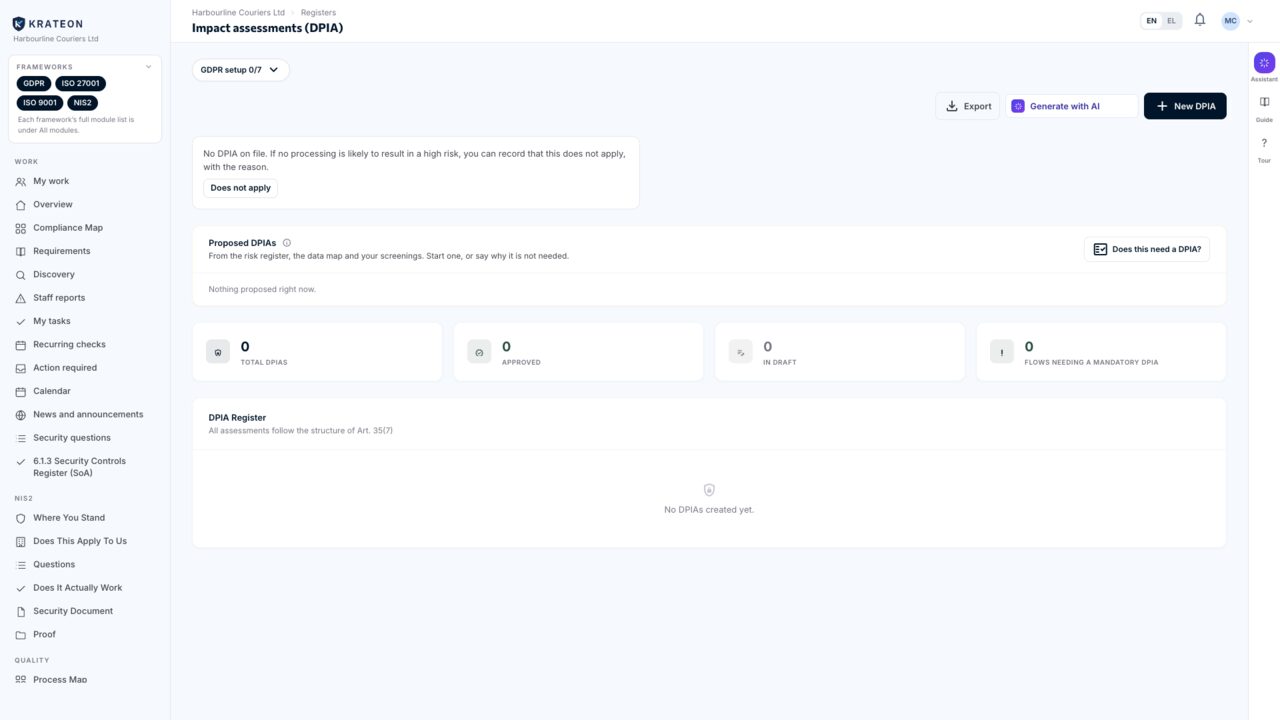
DPIA with AI help
Describe the processing in your own words, check the draft impact assessment Krateon proposes, fill in what it left open, and approve it with a named person and role.
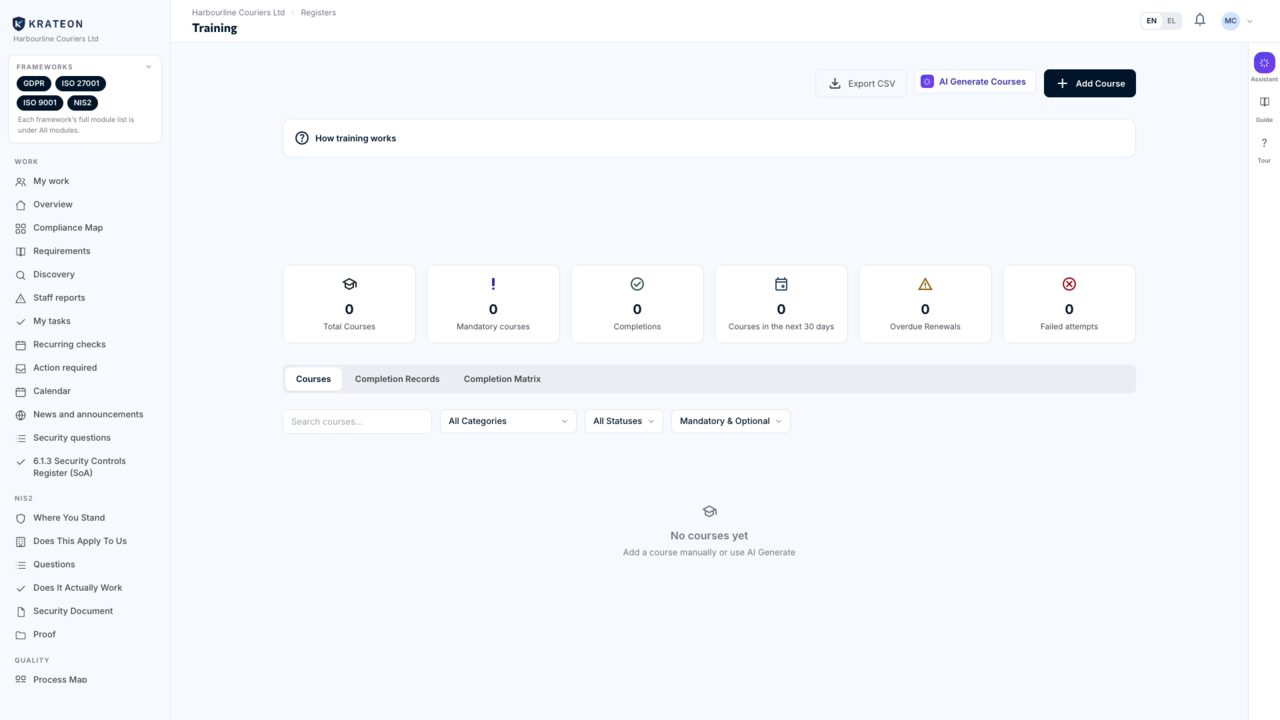
Staff training and awareness records
Add a course from a drafted plan you can change, record who took part and the proof, and see who has passed and who is still to do it.
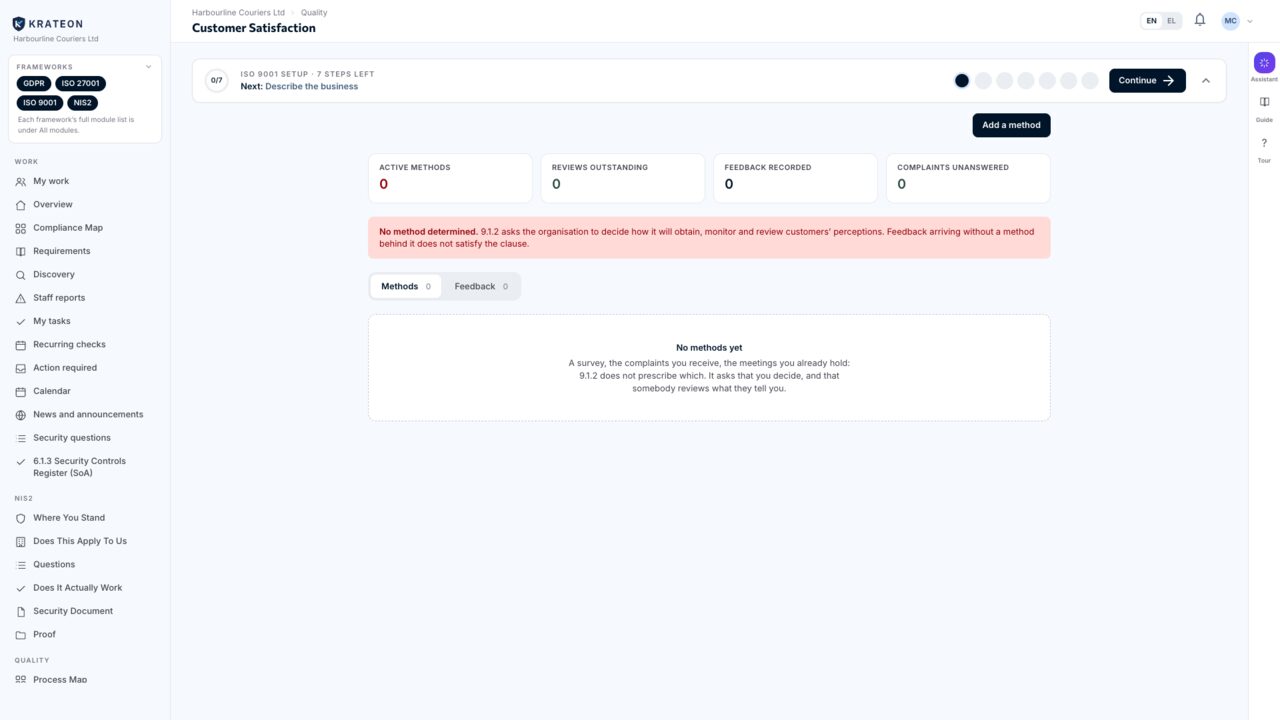
Customer complaints and satisfaction
Set how you hear from customers, record a complaint, and take it through the complaint procedure to its cause and a corrective action that is followed up.
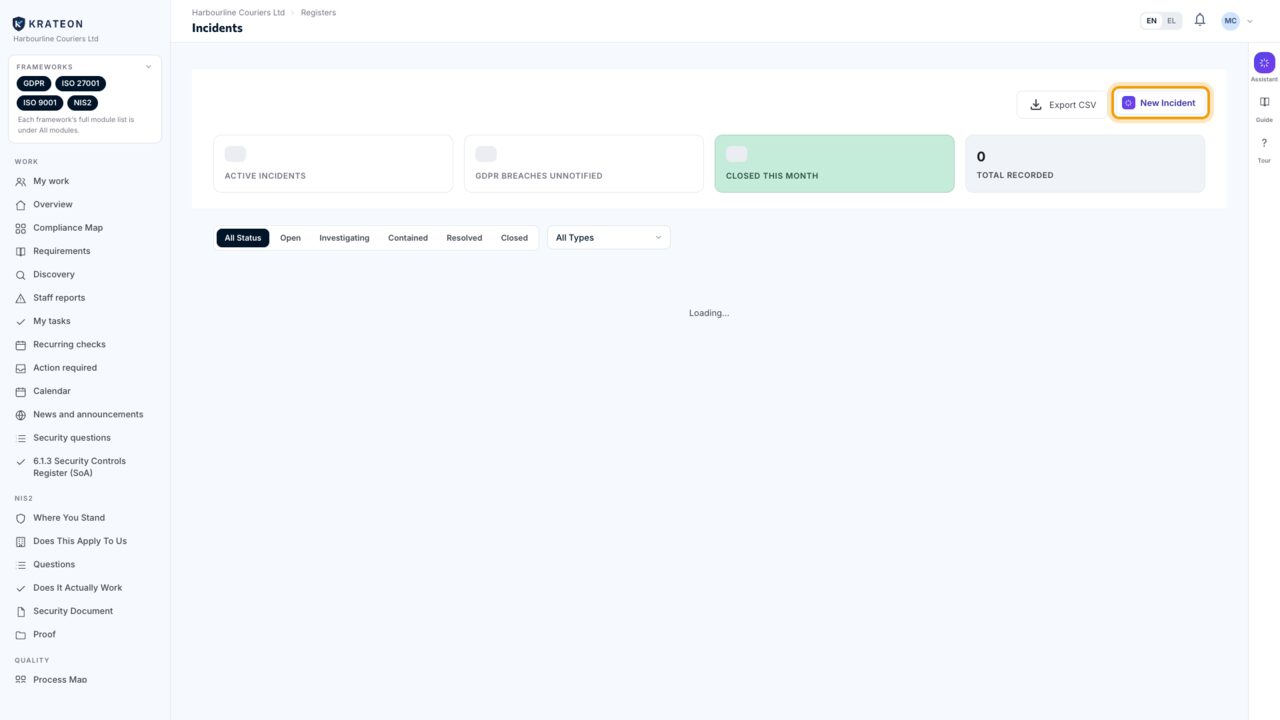
A security incident
Log an IT incident, check the suggested type and severity, say whether it is significant under NIS2, and see the reporting deadlines for NIS2 and GDPR.